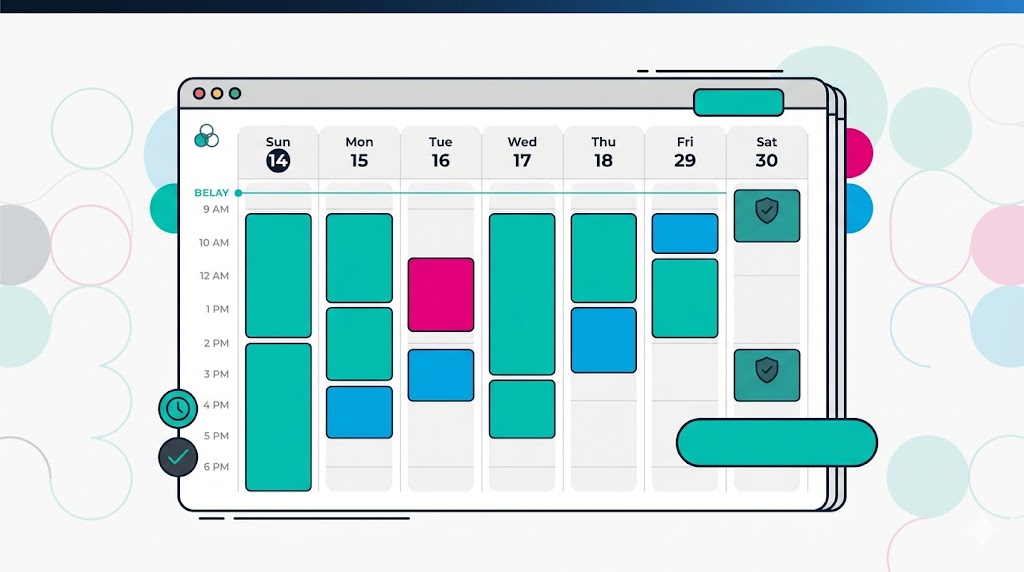
The Calendar Problem
A busy professional’s calendar is a battlefield. Meeting requests come in constantly. Time zones need coordinating. Your own priorities need protecting.
Without a system, your calendar becomes a reflection of everyone else’s priorities, not yours.
A VA brings order to this chaos.
What a VA Does With Your Calendar
Protecting your time
What to delegate:
- Blocking your calendar for focused work (deep work, strategy time, thinking time)
- Declining or rescheduling low-priority meetings
- Protecting your lunch and personal time
- Creating buffer time between meetings to avoid back-to-back scheduling
- Blocking time for email and admin work
Processing meeting requests
What to delegate:
- Reviewing all meeting requests and deciding if you should attend
- Finding the best time across multiple stakeholders’ calendars
- Sending invites and confirmations
- Managing time zone differences
- Rescheduling when conflicts arise
Preparing you for meetings
What to delegate:
- Gathering agenda and relevant documents before the meeting
- Creating pre-meeting briefing materials
- Preparing talking points or questions
- Setting up video conference links and testing technology
- Sending pre-meeting context to other attendees
Following up after meetings
What to delegate:
- Recording action items from your notes
- Sending meeting summaries and action items to attendees
- Scheduling follow-up meetings
- Tracking action item completion
- Scheduling the next review or check-in
Calendar analysis and optimization
What to delegate:
- Identifying patterns in your calendar (too many meetings in one day, meeting overload on certain days)
- Suggesting calendar optimizations (batch meetings on certain days, protect focus time on others)
- Analyzing how much of your calendar is reactive vs. strategic
- Identifying and eliminating unnecessary recurring meetings
The System
Calendar structure
Create calendar categories:
- Focus time: Blocked, non-negotiable, protected. This is your deep work time. The VA defends this fiercely.
- Strategic meetings: Client meetings, investor meetings, key relationship meetings. These are scheduled by the VA but require your input.
- Operations: Team meetings, check-ins, internal operations. The VA can often handle rescheduling if conflicts arise.
- Ad-hoc/flexibility: Buffer time for urgent meetings that pop up.
- Personal: Lunch, exercise, personal time. Blocked and protected.
The meeting request process
External meeting requests: The VA reviews and responds. For strategic meetings, they check with you. For operational meetings, they find time.
Internal meeting requests: The VA consolidates. Rather than 10 separate one-on-ones with your team, they batch them into one team sync or two focused one-on-ones.
Your own meeting needs: You tell the VA “I need to meet with Sarah and Mark.” The VA finds time, sends invites, and prepares briefing materials.
Scheduling tools
Use tools that make calendar sharing easy:
- Calendar platform: Google Calendar, Outlook, or similar. The VA has access to manage on your behalf.
- Scheduling tool: Calendly, Acuity, or similar. People can self-serve find open times (within parameters the VA sets).
- Meeting notes: Notion, Google Docs, or Confluence for storing meeting notes and action items.
The Impact
Before VA:
- Calendar is reactive and constantly shifting
- Back-to-back meetings with no thinking time
- You’re attending meetings you don’t need to attend
- You’re spending 30+ minutes per day managing calendar logistics
After VA:
- Focus time is protected
- Meetings are relevant and batched efficiently
- You have 30 minutes thinking time between meetings
- You’re spending 5 minutes per day on calendar management
Calendar is structured and intentional
Frequently Asked Questions
“Won’t people resent having to go through a VA to book time with me?”
No. Most people appreciate having clear scheduling. A scheduling link or an efficient VA is faster than trying to coordinate by email. Executives have assistants — it’s expected and respected.
“What if the VA makes a mistake and double-books me?”
In the first few weeks, you review calendar changes daily. After that, mistakes are rare. When they happen, the VA reschedules immediately. The system prevents mistakes more than it causes them.
“Can the VA decline meetings on my behalf?”
Yes, within clear guidelines. The VA knows which meetings are strategic (require your review) and which are operational (can be declined or deferred without your input). You define the rules upfront.
The Bottom Line
A well-managed calendar is a reflection of your priorities, not everyone else’s. A VA protects your time and ensures your calendar serves your strategic goals, not your reactive firefighting.
This is particularly high-value for executives, founders, and professionals managing complex stakeholder relationships.
VAConnect regularly handles calendar management as part of executive assistant roles. Many VAs specialize in this.
Ready to take control of your calendar? Book a call with Karen to set up your calendar management system.